
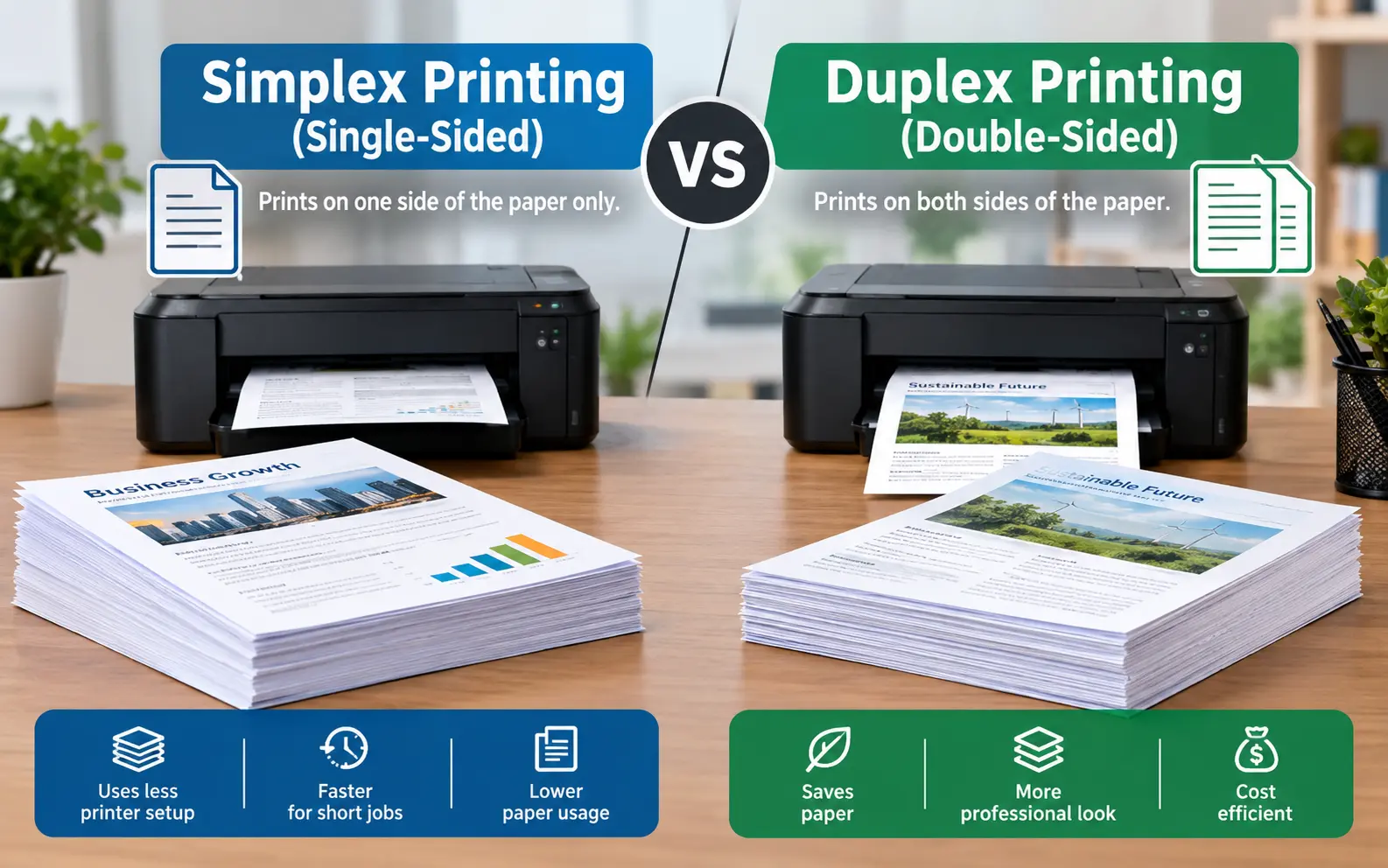
Simplex printing puts ink on one side of the sheet, while duplex printing uses both sides. Choose duplex for multi-page documents that people will read, file or mail, and choose simplex for single pages, labels, envelopes and anything where the back must stay clean. Duplex can cut your sheet count by up to half, as long as the paper weight and flip setting suit the job.
Most advice on duplex printing vs simplex printing stops at "duplex saves paper, simplex is faster." Both statements are true, and both are the least useful part of the story.
The expensive mistakes happen elsewhere: thin paper that shows through, upside-down back pages, blank sides that still get billed, and settings that quietly ruin a booklet. We set up and troubleshoot office printers, copiers and print-shop jobs regularly, so this guide focuses on the decisions that actually cost people time and money.
Which Jobs Belong in Each Mode
Start with the document, not the printer. The same device handles both modes, so the right choice depends on what you are printing and who will touch it afterward.
| Job | Best mode | Why |
|---|---|---|
| Report or handout, 10+ pages | Duplex | Thinner stack, easier to staple, carry and file |
| Single-page letter, invoice, receipt | Simplex | Nothing to put on the back |
| Labels, envelopes, sticker sheets | Simplex | These stocks are not built for the duplex paper path |
| Signature pages and forms to be scanned | Simplex | Clean back, no flipping at the scanner |
| Menus, flyers, cards with a designed back | Duplex | The back is part of the layout |
| Graphics-heavy pages on 20 lb paper | Simplex, or heavier paper | Ink on one side shows through on the other |
| Court or agency filings | Check the rules | Some require single-sided submissions |
One habit saves me the most grief: before sending a job, I ask whether the back of the page will ever be looked at. If the answer is no, simplex avoids a pointless wait and a possible misfeed.
What Duplex Really Saves (And What It Doesn't)
The paper math is simple, but the honest version is smaller than most guides suggest. A ream of office paper typically costs somewhere around $5 to $8, so a sheet runs about 1 to 1.6 cents. A team printing 10,000 pages a month uses 20 reams simplex or 10 reams duplex, a difference of roughly $50 to $80 a month, or $600 to $960 a year.
That is real money for a school or a busy office. It is not a reason to tell a home user with a 300-page-a-month habit to restructure anything.
Here is where the savings stop:
- Toner and ink: consumption follows the content on the page, not the sheet. Printing 10,000 pages of content uses about the same toner on 10,000 sheets or on 5,000, so claims that duplex reduces ink use are wrong.
- Click charges: on a leased copier billed per impression, a two-sided sheet usually counts as two clicks. Your per-page lease cost does not fall, only your paper bill does.
- Postage weight: this is the saving people forget. A letter-size sheet of 20 lb paper weighs about 0.16 oz, so a 40-page mailing drops from roughly 6.4 oz to 3.2 oz. That can push a mailing into a cheaper postage tier.
- Filing space: half the sheets means half the folder thickness, which matters for physical archives and binders.
Why Duplex Looks Slower on the Spec Sheet
Printer brochures list speed as pages per minute (ppm) for simplex and often images per minute (ipm) for duplex. An image is one side of a sheet, so the two numbers are not directly comparable. Manufacturers typically test productivity under ISO/IEC 24734, and the duplex figure usually comes out lower than the simplex one.
The cause is mechanical. The sheet must exit the print engine, reverse through a separate path and re-enter for the second side. On laser machines, the first sheet also leaves the tray later, because both sides must finish before it exits.
Job-level time tells a different story. A 20-page job printed duplex automatically usually finishes sooner than the same job printed simplex and then flipped and re-fed by hand. Raw speed matters most for single pages and large simplex batches. For everything else, handling time is the bigger factor.
Long Edge or Short Edge: The Setting That Ruins Back Pages
When the back of a page prints upside down, the printer did exactly what you told it to. The flip setting was wrong for the document's orientation.
Use this quick test with two loose sheets:
- Hold the sheets back to back as they would sit in the finished document.
- Turn the pages the way the reader will: side to side like a book, or top to bottom like a notepad.
- Pick the setting that matches. Side to side is long-edge binding for portrait pages. Top to bottom is short-edge binding, which suits landscape slides and wall calendars.
The trap I see most often is a mixed-orientation file. A PDF with portrait text pages and one landscape chart page gets a single flip setting for the whole job, so either the chart or everything else comes out inverted on the back. Rotate the source pages so they match, or print the odd page as its own job.
Paper and Printer Limits That Cause Duplex Failures
Duplex stresses paper more than simplex does, because the sheet takes a longer, more twisted path. Weight and moisture decide whether that goes smoothly.
| Paper weight | Typical use | Duplex notes |
|---|---|---|
| 20 lb / 75 gsm | Everyday copy paper | Fine for text. Graphics and highlighter marks show through. |
| 24 lb / 90 gsm | Reports, resumes | The safest all-round choice for double-sided pages |
| 28 lb / 105 gsm | Premium handouts, brochures | Strong opacity. Confirm your duplexer's weight rating. |
| 32 lb / 120 gsm | Letterhead, covers | Many duplex units are rated lower than the manual feed tray |
Beyond weight, these are the failure points worth knowing:
- Curl: paper left unwrapped in humid rooms curls and then jams in the reversing path. Keep unused reams flat in their wrapper.
- Labels and envelopes: adhesive sheets and flaps are not designed for the duplex path, so run them simplex from the bypass tray.
- Coated or glossy stock: check the packaging for a laser or duplex rating before trusting it on both sides.
- Inkjet second sides: heavy coverage on side one can smudge in the rollers before it dries. Lighter coverage or a slower quality setting helps.
- Laser second passes: each side goes through the fuser separately, so very thin or damp paper can wrinkle on the second trip.
Page Count Traps: Odd Pages, Blank Backs and Booklets
Duplex is where page-count surprises show up, usually after the stack is already printed.
- Odd page counts: a 7-page document leaves the back of page 7 blank. That is normal, but it matters if you planned to staple a cover on top.
- Chapter openers: if you force chapters to start on a right-hand page, the driver prints deliberate blank backs. In Word this comes from an "Odd Page" section break.
- Booklet math: a folded and stapled booklet needs a page count divisible by 4, because each folded sheet makes four pages. A 22-page file becomes 24, so plan the two blank pages on purpose.
- Mixed jobs: a simplex cover followed by a duplex body cannot switch modes mid-job on most office machines. The driver inserts a blank back, and depending on your contract, some copiers bill that blank side as an impression.
How Print Shops Quote It: 4/0, 4/4 and 4/1
Commercial printers rarely say "simplex" or "duplex" on a quote. They write two numbers separated by a slash, and reading them correctly prevents expensive misunderstandings.
- First number: the colors on the front. A 4 means full color (CMYK), a 1 means one ink, usually black, and 0 means nothing.
- Second number: the same count for the back.
- 4/0: full color on the front, blank back.
- 4/4: full color on both sides.
- 4/1: full color on the front with a single black ink on the back, common for postcards with an address block.
Two questions are worth asking any shop. Does the press print both sides in one pass, or does it run the sheet twice? And is the 4/4 price quoted as a single job, since shared setup and paper often make it cost less than double the 4/0 price?
Duplex on the Scanning Side
The same word applies to scanners, and the difference affects how fast you can digitize a stack of paper.
- Reversing feeder (RADF): scans one side, flips the original through the feeder, then scans the other. It is cheaper and slower.
- Dual-scan feeder (DADF): has sensors on both sides and captures front and back in one pass. It is faster and gentler on thin originals.
- No duplex feeder: a two-sided original needs two scanning runs and manual page ordering afterward.
If you digitize double-sided paper often, the feeder type matters more than the print speed.
Setting Duplex as the Default Without Annoying Anyone
Defaults beat reminders. People rarely change a setting they never see, which is why a default change is the easiest paper policy to roll out.
- Windows, all users: open printer properties, go to Advanced, then Printing Defaults, and set two-sided there. The per-user Preferences screen only changes your own profile.
- Mac: in the print dialog, choose Two-Sided, then save the settings as a preset so it loads each time.
- Shared queues: set duplex on the print server queue and allow users to override it.
- Exceptions: keep a separate simplex queue named something obvious, like "Letterhead-Simplex", for labels, envelopes and preprinted stock.
When the Duplex Option Is Missing or Greyed Out
Work through these in order. The first two fix most cases.
- Check the hardware: some printers have no duplex unit. On many HP and Brother lines, a "d" in the model name, such as dn or dw, indicates automatic two-sided support.
- Install the maker's driver: a generic driver often hides duplex controls. Download the full driver for your exact model.
- Enable the accessory: in printer properties under Device Settings or Configuration, set the duplex unit to Installed.
- Open the full dialog: on a Mac, expand the print dialog and pick Two-Sided from the dropdown menu.
- Test another app: if duplex appears in a text editor but not a PDF viewer, the viewer's own print settings are overriding the driver.
The Three-Question Rule We Use
When someone asks me to settle the choice quickly, I give them three questions:
- Reader: will anyone read, file or mail more than a few pages?
- Paper: is the stock heavy enough, and is the back clear of heavy ink?
- Exceptions: does the job include labels, signature pages or mixed orientation?
A yes on the first, a yes on the second and a no on the third means duplex. Anything else, run it simplex and move on.
Frequently Asked Question
Can I print double-sided on a printer without a duplex unit?
Yes, with manual duplex. Print the odd pages first, then reload the stack into the tray in the orientation your printer's on-screen instructions show, and print the even pages. Do a two-sheet test first, because tray orientation differs between models.
Does duplex printing wear out a printer faster?
Mostly it does not, since wear tracks the number of printed sides rather than sheets. The duplexer does add a few moving parts, so paper jams are the more likely issue, and curled paper is the usual cause.
How do I print double-sided from my phone?
With AirPrint on iPhone, open the print options and look for a Two-Sided toggle. On Android, the default print service usually offers a 2-sided option. Either way, the toggle only appears when the printer reports duplex support.
Should I print my resume double-sided?
For interview copies, a one-page resume is better in simplex. A two-page resume on 20 lb paper can show through and look thin, so use 24 lb stock or send it digitally.
Why can't I find the duplex option when printing a PDF?
In Adobe Reader, look for the checkbox labelled to print on both sides of the paper in the print dialog. If it is missing, the driver is not reporting duplex support, so check the driver and device settings first.
Can I print duplex on cardstock?
Check the printer's specification sheet for the maximum duplex paper weight. It is often lower than the limit for the manual feed tray, so heavy cardstock may need to be printed one side at a time.
Why is the back page slightly shifted compared to the front?
Each side is positioned separately, and the sheet shifts a little as it reverses. Many copiers have a side-two registration adjustment in their admin menu, and one adjustment often removes the offset.